

The app builder IT will actually approve.
Jig lets the people closest to the problem build the app themselves, then ships it through your company’s git with the controls IT asks for.
Runs on Claude Code, OpenAI Codex or opencode, with Claude, GPT, Gemini or a local model.
You tried the cloud builders. Then legal asked questions.
Where does the code live? Who can see the customer data? Whose key is that? Jig answers all three with “here”.
| Question | A typical cloud builder | Jig |
|---|---|---|
| Where the code lives | On the builder’s servers | A normal folder on your computer |
| Who runs the AI | The builder, sold back as credits | Claude, on your plan or your company’s cloud |
| Your API keys | Pasted into their dashboard | Your keychain. The AI only sees the name |
| Leaving | An export, then a rebuild | Nothing to leave. It is a git repo |
| Getting it approved | A vendor review, a data agreement | A policy file, an audit log, your git server |
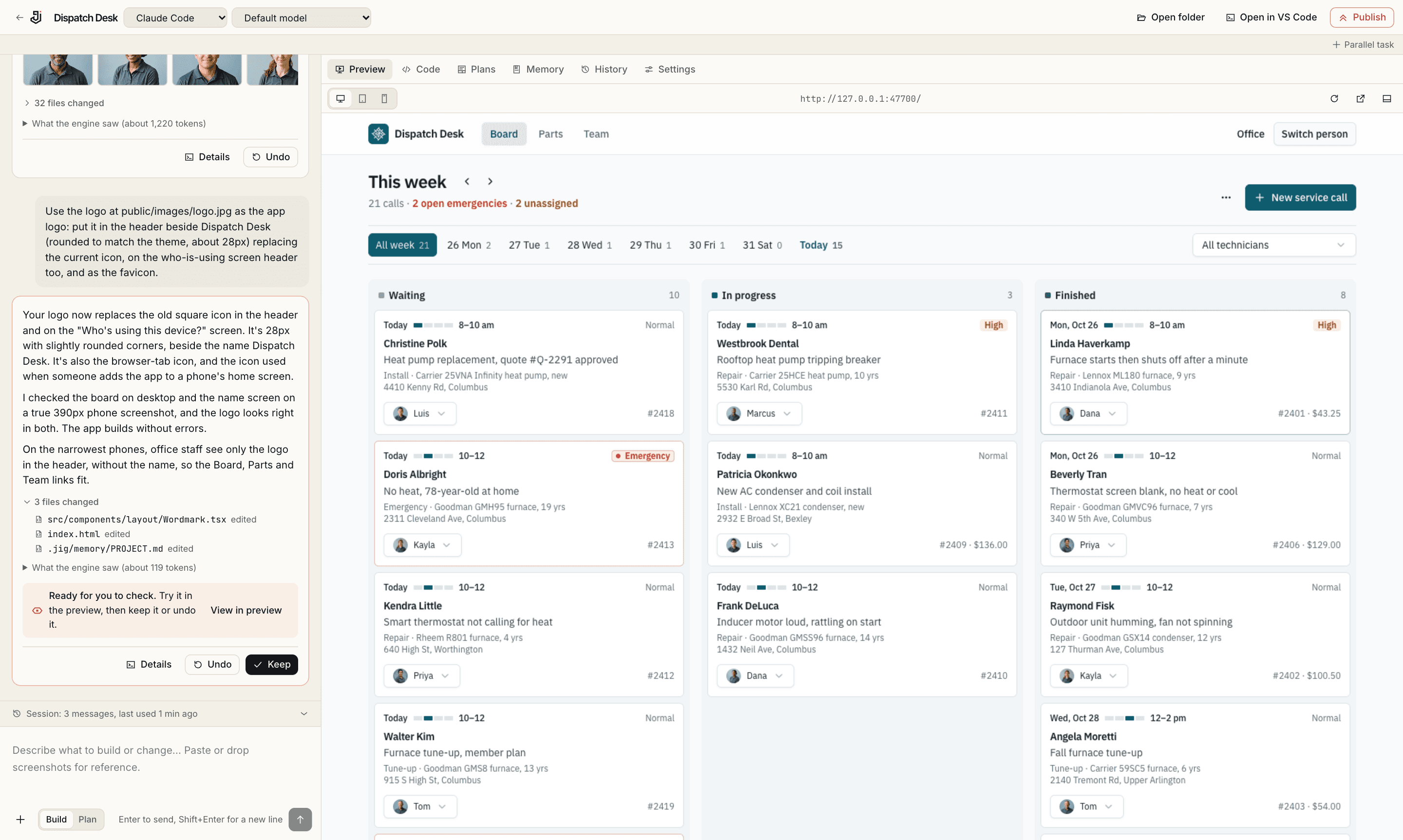
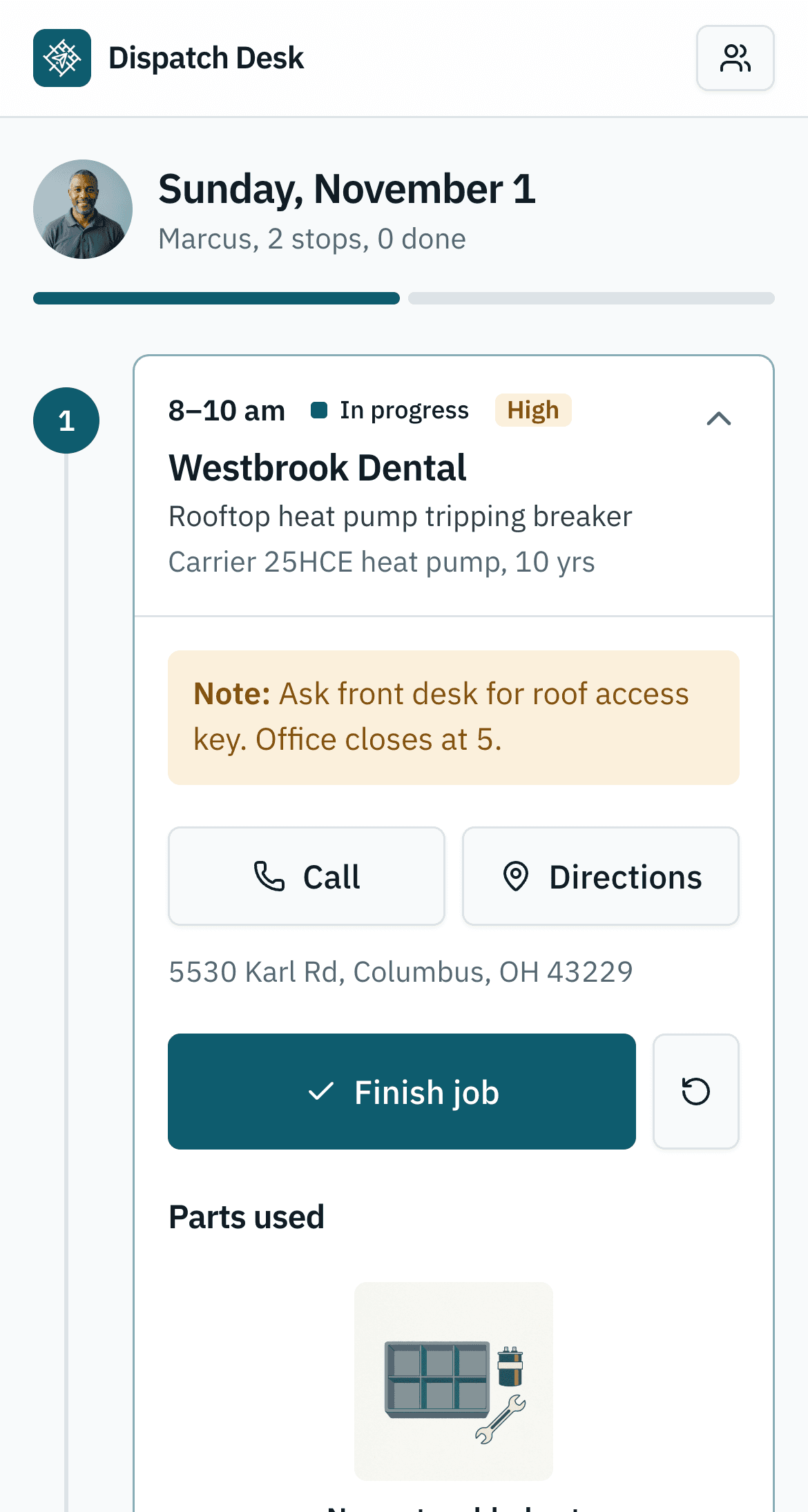
One sentence in. A dispatch board out.
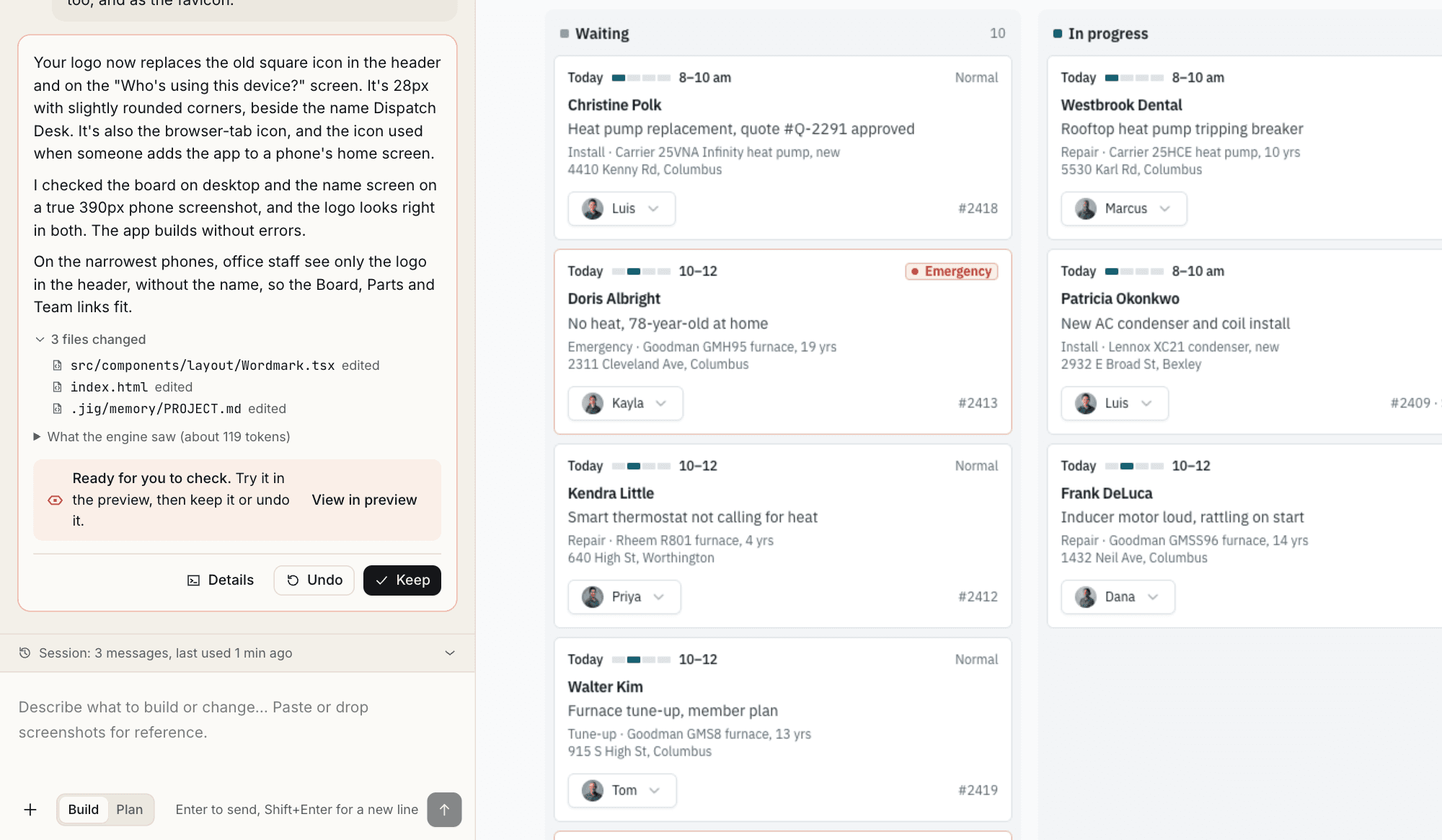
Real screens from real builds: a van maintenance log and Dispatch Desk, an HVAC dispatch board.
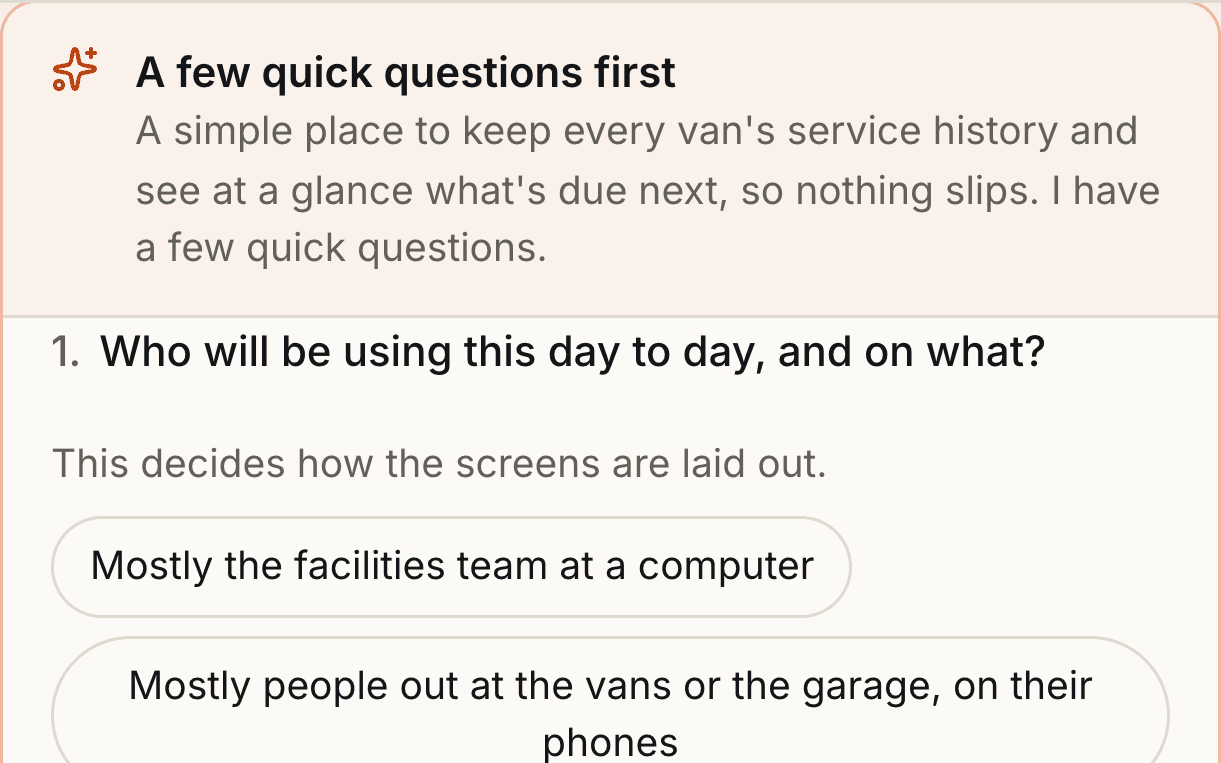
It asks before it builds
Who uses it, on what device, what has to work on day one. Five questions written for your idea, not a form.
You read the plan first
Big changes wait for your yes, with the risks in plain English. Small ones just happen.
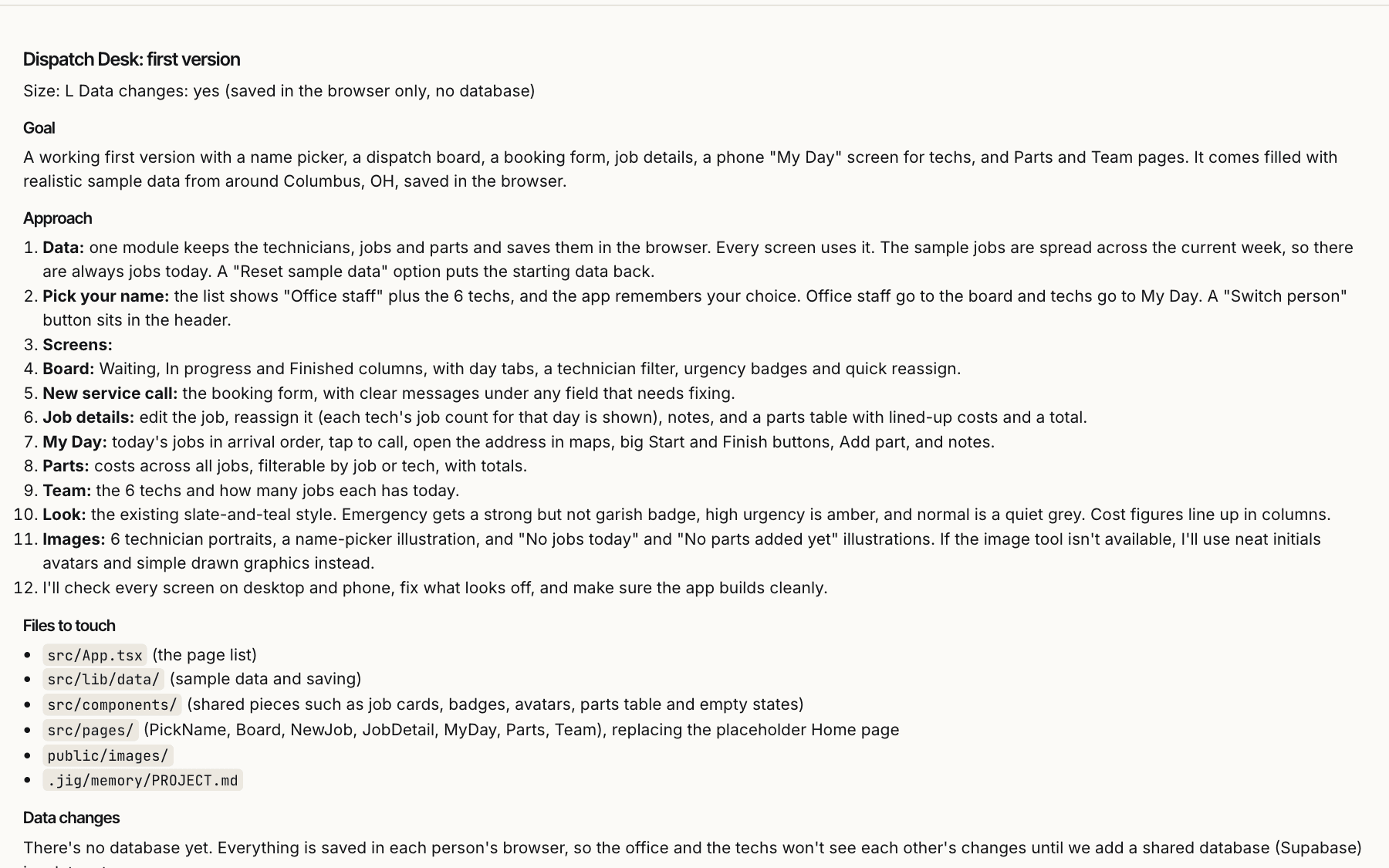
You keep it or undo it
Every change is a checkpoint. Try it in the preview, then press Keep, or Undo and it never happened.
Retire client-final-v3-REAL
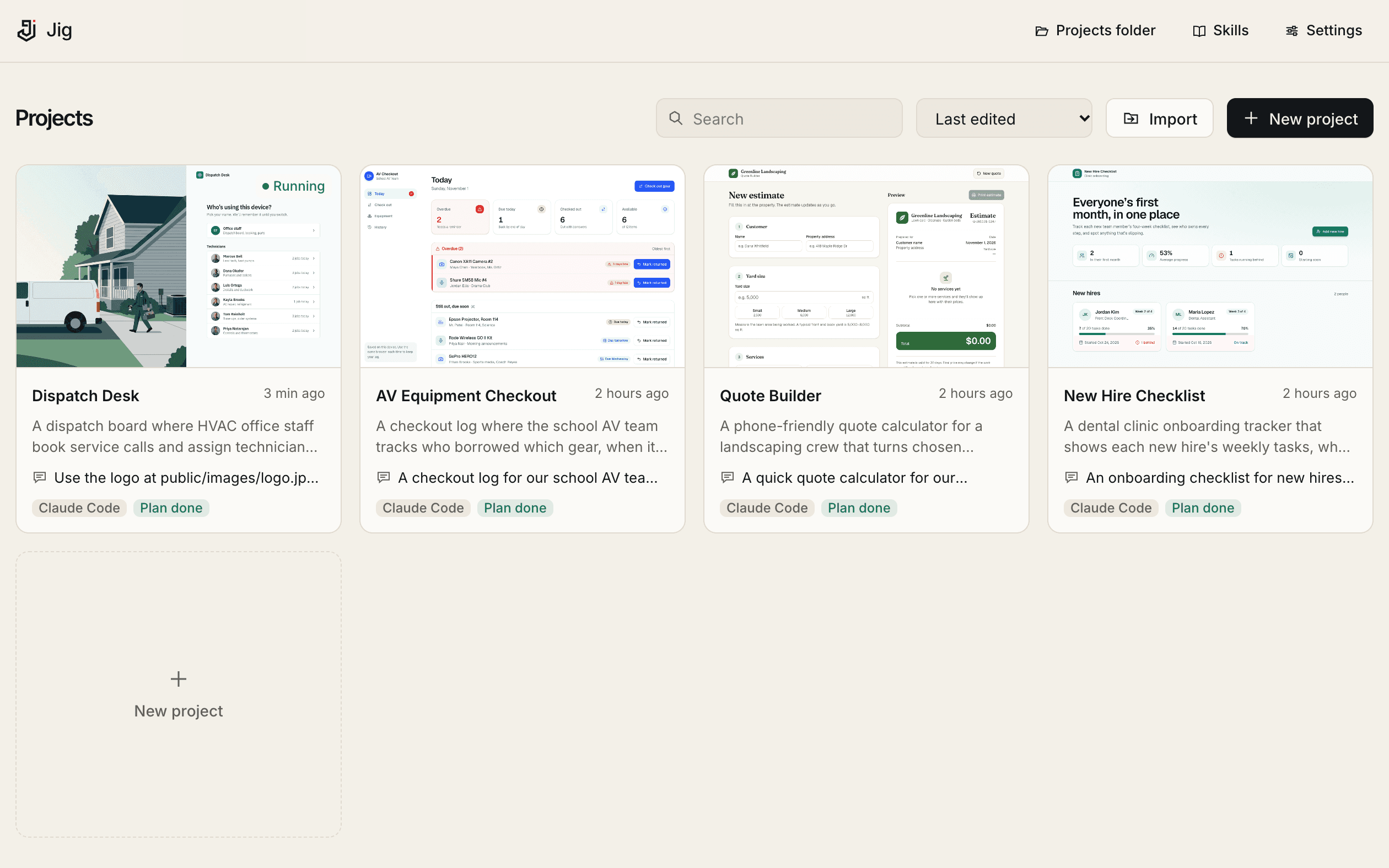
Every project in one folder, each with its last request, its plan and a running preview one click away.
- Finds the strays
- Point it at your Desktop and Downloads. It gathers the projects and writes a summary of each.
- Notices moves
- Rename or move a folder and Jig asks where it went instead of losing it.
- Stays a real repo
- Plain git history. Open it in VS Code, or pick up the same Claude session in your terminal.
Operations builds it. IT signs off.
For the person with the problem
- Drop in a screenshot, a Word brief or the Excel sheet you run the business on
- Run a second task beside the first, then merge it in
- 51 vetted skills for forms, dashboards, payments and maps
For the people who say yes
- One policy file, pushed by MDM, enforced on every machine
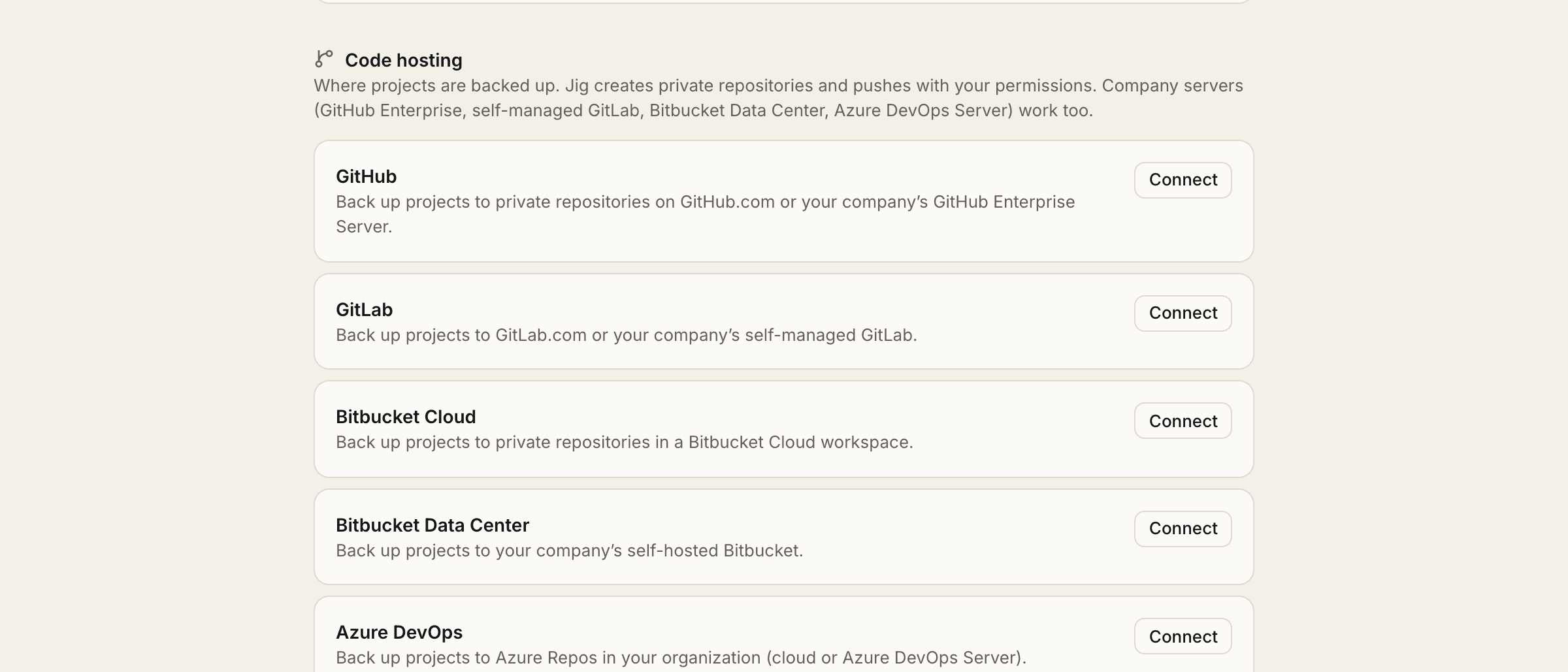
- Every app in a private repo on your git server, with an audit log
- Ship to Docker, Vercel or Netlify, or hand it to your own pipeline
Follow the data. It stays put.
No Jig server sits in the middle.
- Your computerCode, history, previews, keys
- The AI provider you choseAnthropic, or your own cloud account
- Your git server, when you pushOnly hosts your policy allows
- Jig’s serversThere aren’t any
Questions we get
Do I need to know how to code?
No. You describe what you need and answer a few questions. Developers can open the same project in VS Code or a terminal whenever they like.
Which AI does it use, and who pays?
Claude Code is the default, on your own Claude plan or through your company’s Bedrock, Vertex AI or Foundry account. OpenAI Codex and opencode work too, with GPT, Gemini or a local model. Jig never resells AI.
Does my code or data go to Jig?
No. Jig has no server in the loop. Your files stay on your computer, and prompts go straight from your machine to the AI provider you chose.
What does it run on?
Early access starts on macOS. Tell us if your team needs Windows and we will move you up when it is ready.
Build the first one with us
Early access opens in small groups.